Want your resume to pass AI screeners in 2025? Learn the latest tips to beat bots, optimize your format, and land interviews faster with smart keyword hacks.
📌 The AI Challenge: Why Your Resume May Not Even Be Seen
You've polished your resume, sent dozens of applications—and still hear nothing.
The culprit? AI resume screeners. In 2025, over 90% of large companies use some form of AI or ATS (Applicant Tracking System) to filter candidates before a human recruiter ever looks.
But here's the good news—you can beat the bots with a few strategic tweaks.
💡 According to Jobscan, 75% of resumes are rejected by ATS before they reach a human recruiter.
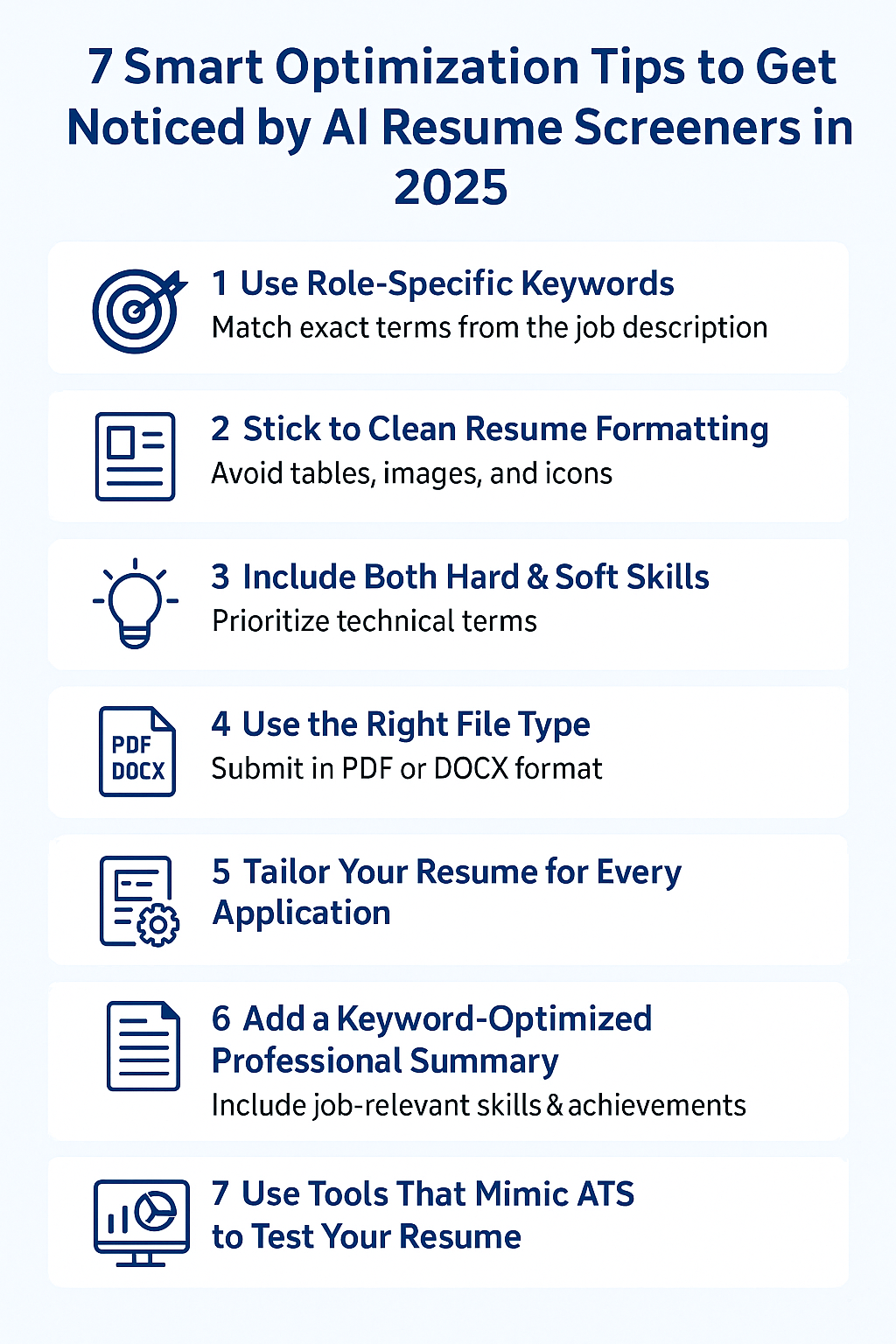
✅ 7 AI Resume Screening Tips to Stand Out in 2025
1. 🎯 Use Role-Specific Keywords (Not Generic Buzzwords)
ATS bots are trained to match specific job descriptions. They look for exact keywords from the posting.
Pro tip:
Paste the job description into a tool like Jobscan or Resume Worded to identify must-have terms.
Example: Use “customer retention analysis” instead of “data analysis” for a retention role.
2. 🧱 Stick to Clean Resume Formatting (Say No to Fancy Design)
Most AI screeners can't parse:
- Text inside tables or images
- Multi-column layouts
- Icons or graphics
Use:
Simple structure, left-aligned bullet points, standard fonts (Arial, Calibri), and consistent headings.
3. 🔍 Include Both Hard & Soft Skills—but Prioritize Technical Terms
AI looks for skill clusters. If you're a data analyst, make sure terms like:
- SQL
- Power BI
- Regression modeling
are present—even if repeated.
Also include role-aligned soft skills like:
- Stakeholder communication
- Strategic thinking
4. 📄 Use the Right File Type (PDF or DOCX)
Some older ATS systems struggle with PDFs. Unless the job post specifies PDF, submit in .DOCX format.
Safe bet: Use DOCX for large corporations; PDF for startups or creative fields.
5. 📆 Tailor Your Resume for Every Application
Generic resumes don’t work in 2025. AI systems rank your application based on job-resume relevance score.
Checklist to tailor quickly:
- Match the job title exactly
- Rephrase bullet points to reflect their language
- Align core competencies section with their “Requirements” section
6. 🧠 Add a Keyword-Optimized Professional Summary
Your Professional Summary is prime real estate. Include:
- Title (e.g., “Certified UX Designer with 5 years’ fintech experience”)
- 2–3 key skills from the job description
- A quantifiable achievement
“Data-driven digital marketer with 4+ years in D2C. Scaled ad ROAS by 300%.”
7. 🔎 Use Tools That Mimic ATS to Test Your Resume
Before you apply, run your resume through:
These simulate AI filters and give you real-time feedback on:
- Keyword match
- Formatting issues
- Readability
💼 Example: Before vs. After Optimization
| Before | After |
|---|---|
| “Responsible for managing team KPIs” | “Led 8-member analytics team; improved KPI tracking by 42% using SQL dashboards” |
| “Worked with clients” | “Collaborated with Fortune 500 clients on financial modeling and risk assessment” |
❓ Frequently Asked Questions
Q1: What is the best resume format to pass AI screeners in 2025?
A: Reverse-chronological is still the most ATS-friendly. Avoid functional or creative formats.
Q2: How many keywords should I include in my resume?
A: Aim for 20–30 relevant keywords from the job description, but naturally—don’t keyword-stuff.
Q3: Can I use ChatGPT to write my resume?
A: Yes—tools like ChatGPT-4o can help you rewrite bullet points, tailor summaries, or even simulate resume scans.
🔗 External Sources for Credibility
- LinkedIn Talent Blog
- Jobscan
- Harvard Business Review
- SHRM
- Forbes Careers
- Glassdoor Blog
- Zety
- Resume Genius
💡 Final Thoughts: It's You vs. the Algorithm—But You're Smarter
In 2025, landing a job is less about writing beautifully and more about optimizing strategically.
AI resume screeners are here to stay—so play the game better than most.
You now have the playbook. Use it, tweak it, and apply with confidence.
🧲 Want to Supercharge Your Resume?
Try these links: